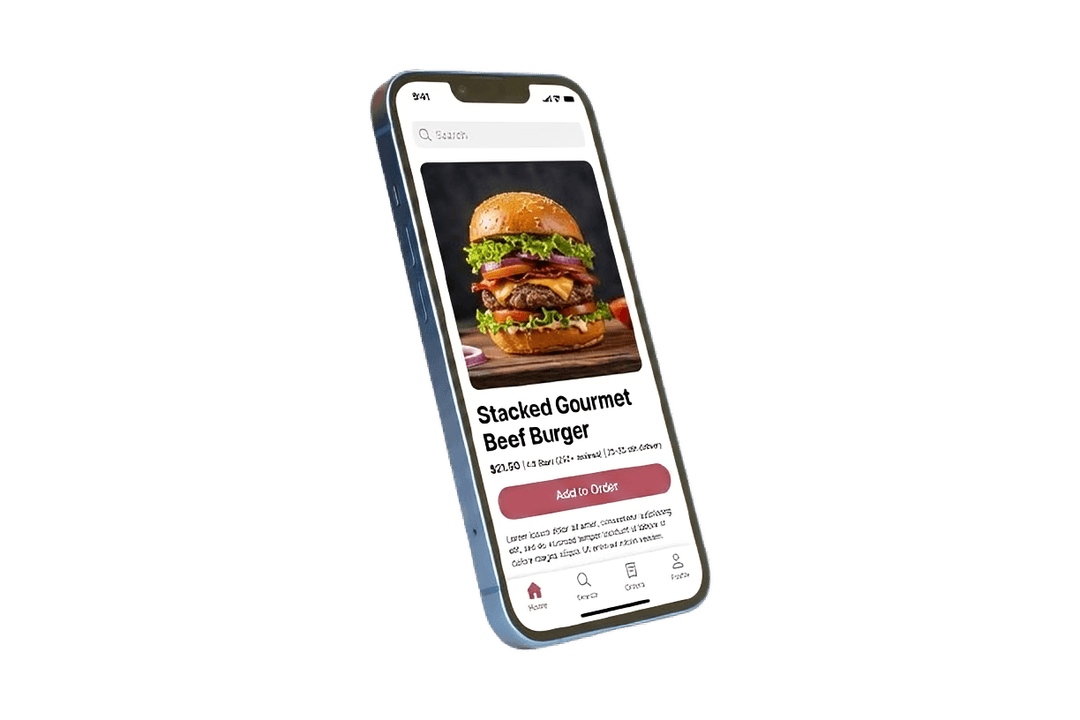
Browse restaurants near you
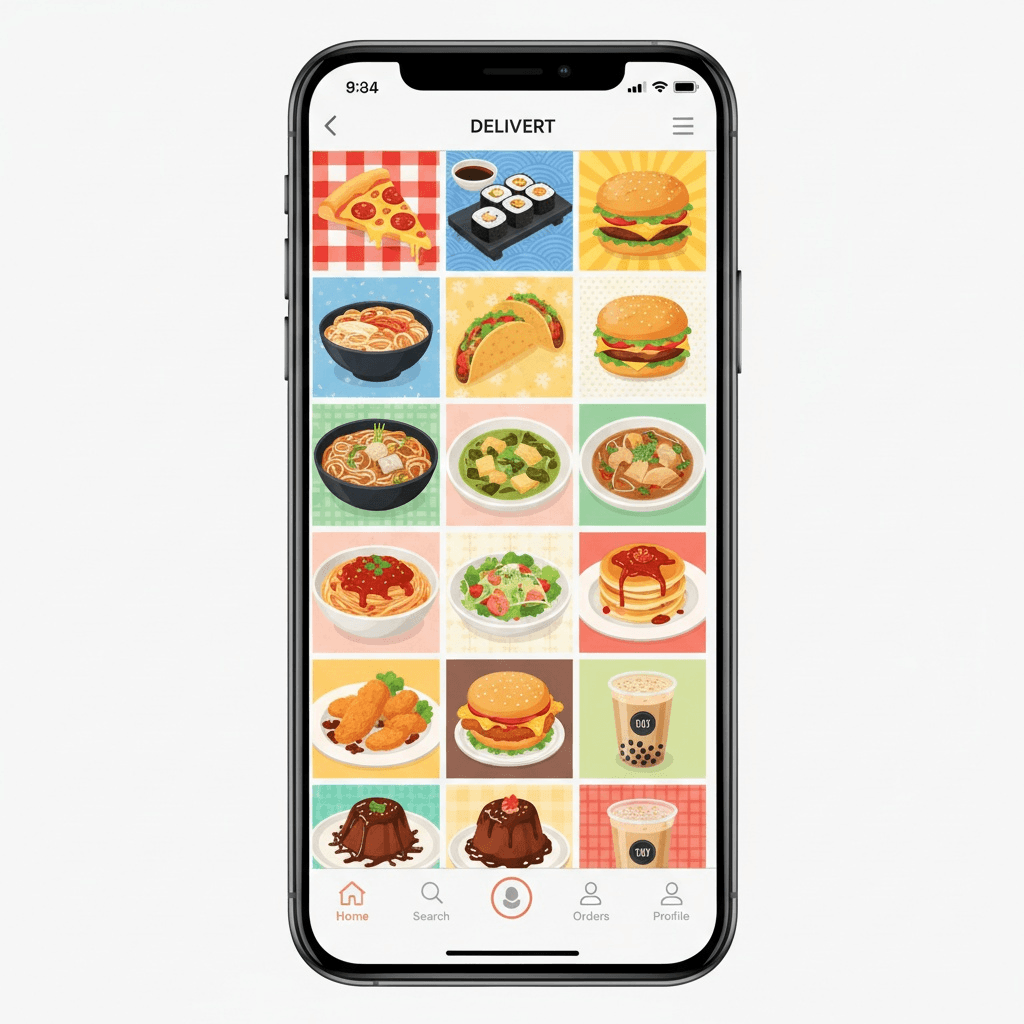
Browse nearby restaurants, check ratings, and open menus before you place an order.
Search by restaurant, dish, cuisine, or location.
Xpresseato
Search for dishes or restaurants, save delivery addresses, pay online or with cash on delivery, and follow each order update until it reaches you.
Restaurants
find nearby places and repeat favourites
Addresses
save home, work, and other delivery points
Tracking
follow every order update until delivery
Support
get help with orders, payments, and accounts
Spice Harbor
Coastal Indian • 28 min
Urban Tandoor
North Indian • 31 min
Cafe Meridian
Bowls and coffee • 18 min
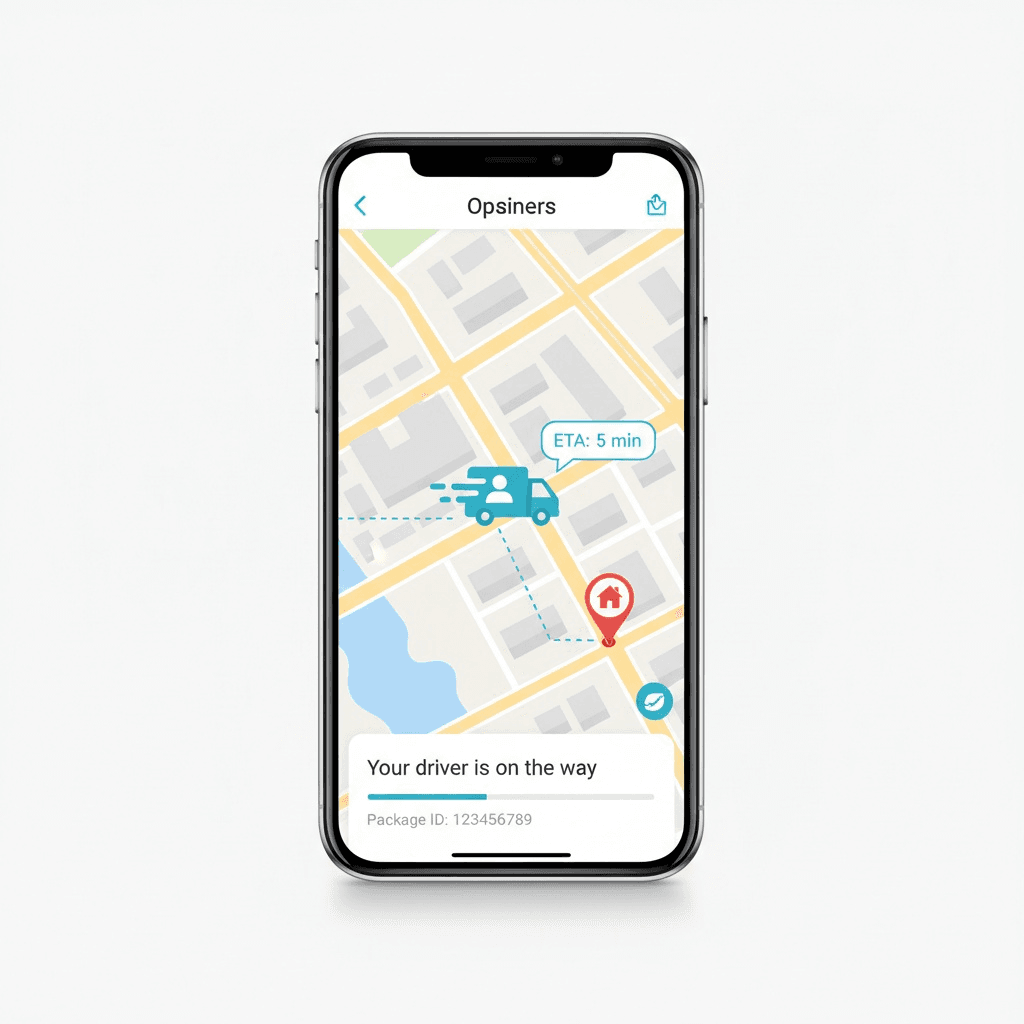
Track your order
Placed, prepared, picked up, delivered.
Pending
Order placed.
Preparing
Kitchen started your order.
Ready
Ready for pickup.
Picked up
Out for delivery.
Delivered
Delivered.
How Xpresseato works
Start with your delivery location, browse nearby restaurants, check the total before checkout, and keep tracking on until the order is delivered.
Browse nearby restaurants, check ratings, and open menus before you place an order.
Search by restaurant, dish, cuisine, or location.
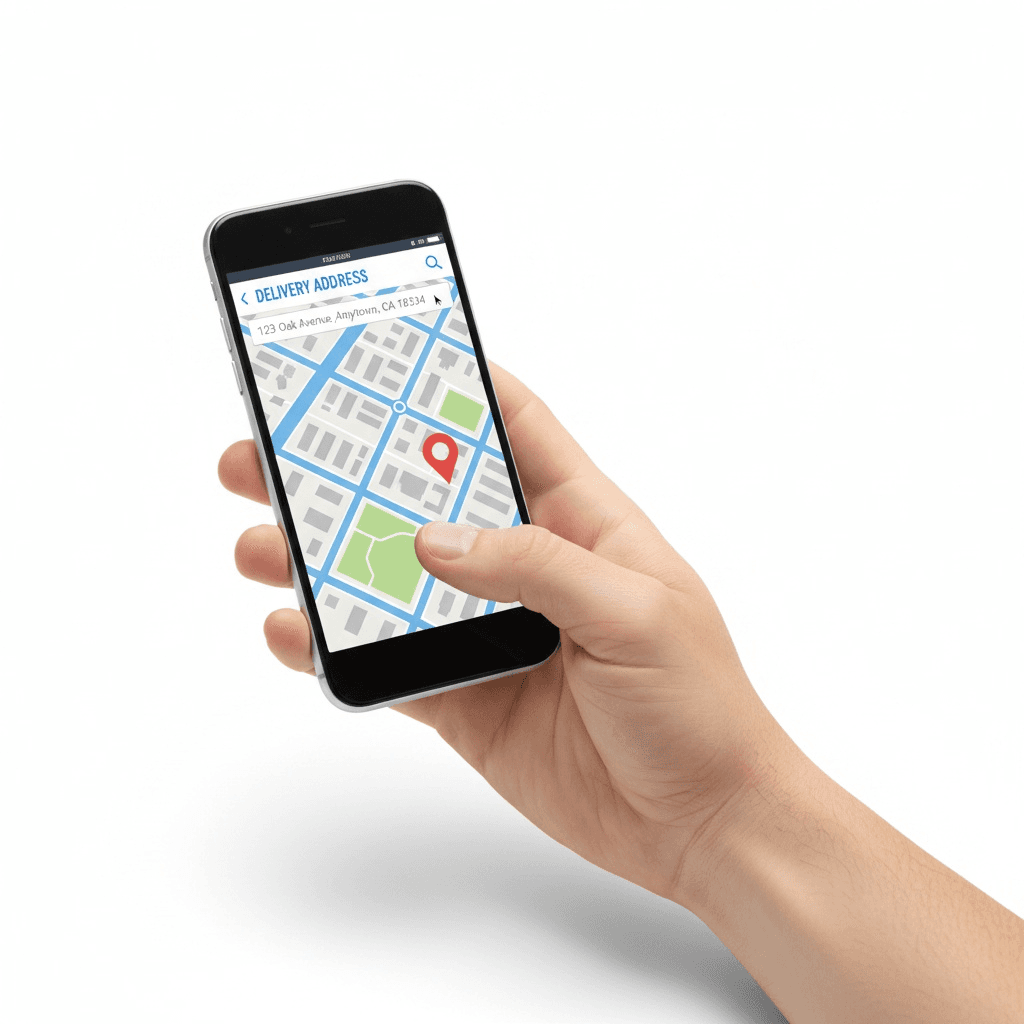
Save home, work, or any other address so checkout starts with the right delivery location.
Set one default address and change it any time.
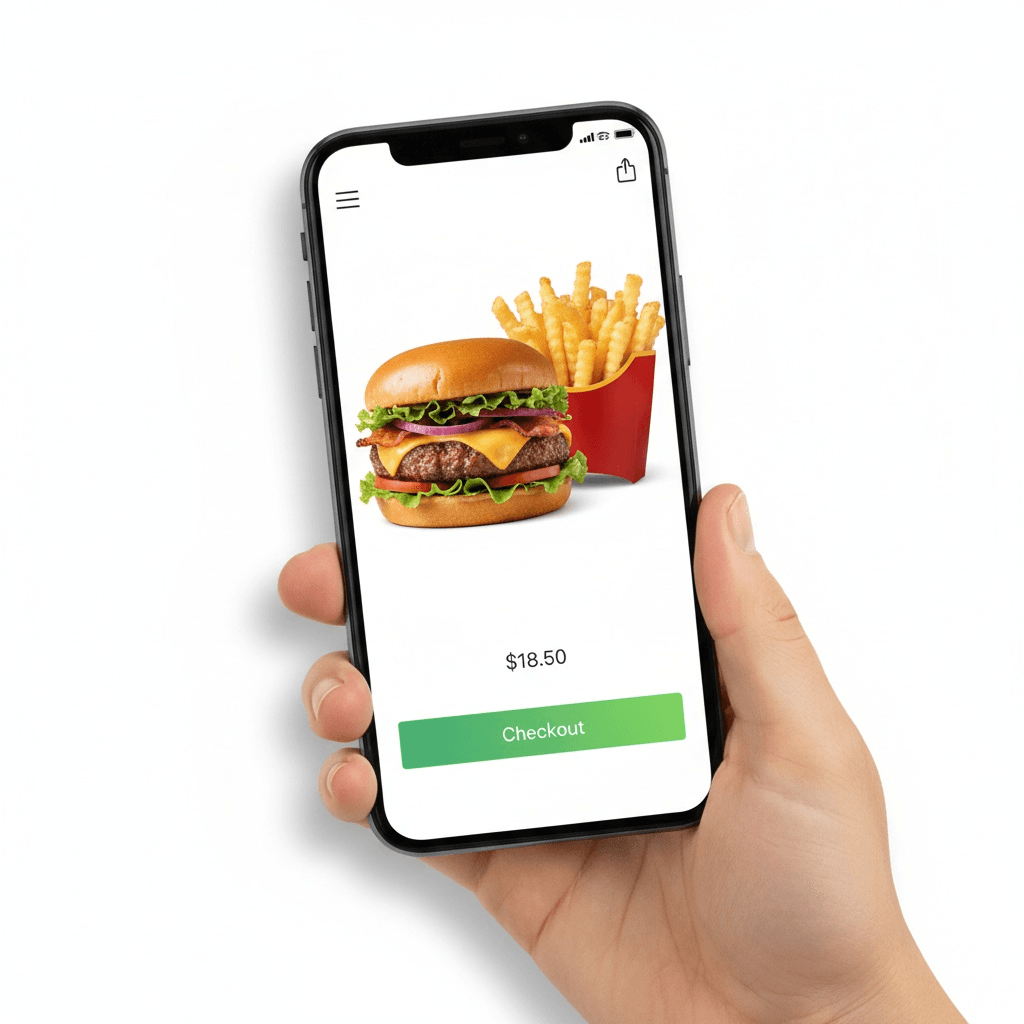
Review items, delivery fee, taxes, payment method, and estimated timing before you confirm the order.
Pay online or choose cash on delivery.
Follow each order step, rate the experience after delivery, and contact support when you need help.
Support is available for order, payment, and account issues.
How ordering works
What the app keeps track of
Account details
Name, phone number, email, and sign-in information used to create and secure access to the app.
Saved addresses and delivery locations
Delivery addresses, labels, and optional map coordinates used to place and fulfill orders accurately.
Orders, payments, reviews, and support
Order history, payment references, ratings, comments, and support messages used to deliver the service and resolve issues.
App health and security checks
Version and maintenance checks used to keep the app current, available, and secure.
01
Sign in with email or phone, verify with OTP, and keep a default address ready for repeat orders.
02
Search nearby restaurants, open menus, and add what you want before checkout.
03
Check the final total, select online payment or cash on delivery, and place the order.
04
Watch status updates from pending to delivered, then leave a review or reach support if something went wrong.
Common questions
What can I do in Xpresseato?
You can browse nearby restaurants, save delivery addresses, place orders, choose online payment or cash on delivery, track order status, leave reviews, and contact support.
How do sign-in and saved addresses work?
The platform supports sign-in by email or phone with OTP, and users can keep multiple addresses with one default address for repeat orders.
How do payments and tracking work?
You can pay online or use cash on delivery. After checkout, the order moves through pending, preparing, ready, picked up, and delivered.
Where do I go for help or account deletion?
Use the support page for order, payment, or account questions, and use the account deletion page if you want to remove your account or cannot sign in.
Get help
Start with the support page if you have a general question, or go straight to the account deletion page if you want to remove your account.